
All of us somehow work with files in PDF format, and for some it is the only way to adjust the document flow in the company. Of course, for all this you need a powerful utility that will not only allow you to edit the relevant documents (such programs in bulk), but also will be able to convert other files to PDF, recognize text from images and so on.
For example, medical records are often conducted in several formats: one patient - in Word and Excel, the other - in the form of images and PDF. To all establish and bring the system to a common denominator, you need an application that performs all these tasks at once. For example, PDFelement is a real harvester for working with PDF: it performs tasks from editing PDF and exporting files to other formats before converting other files to PDF and merging several documents.

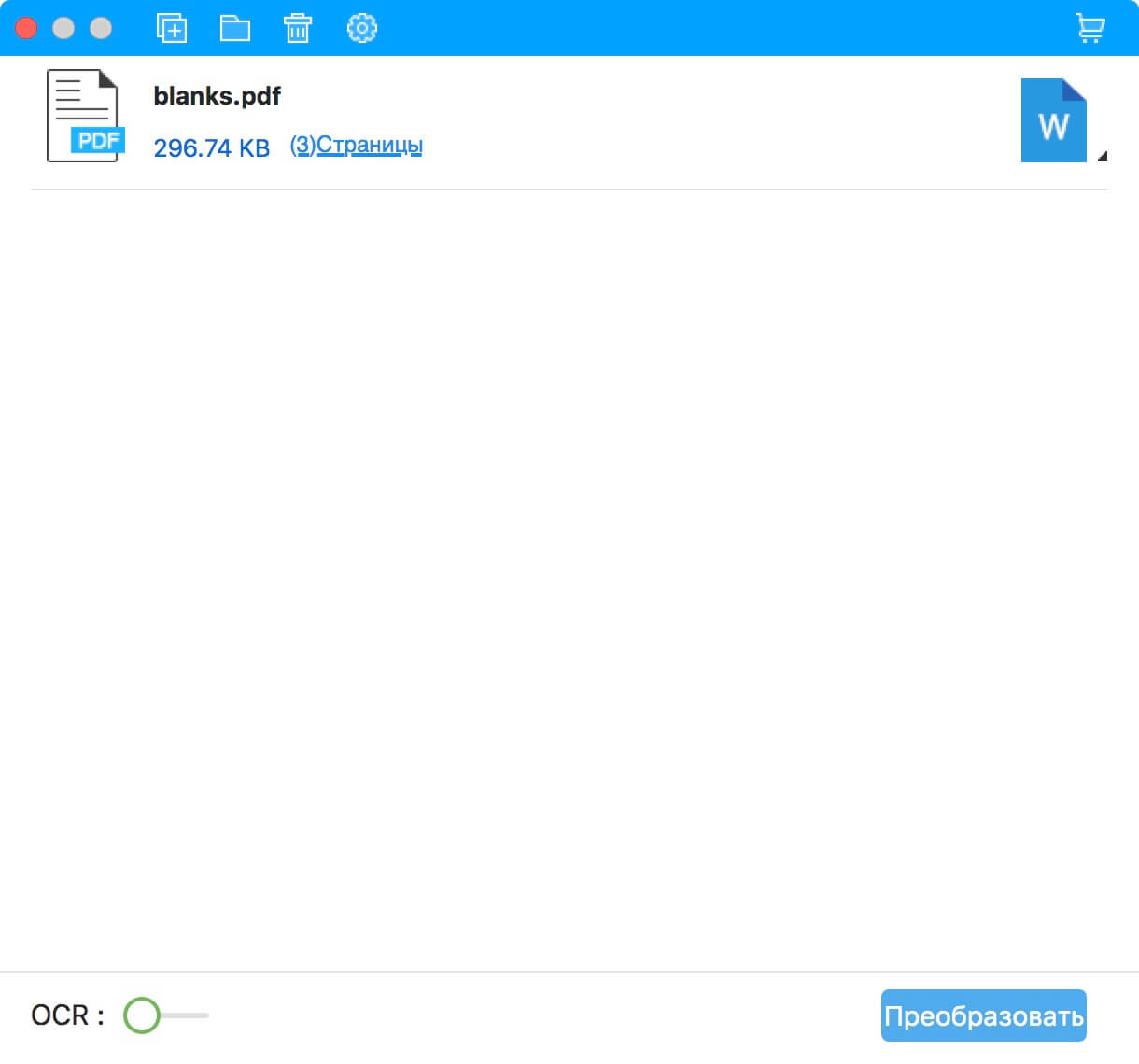
When it comes to accounting, reporting is often delivered in the formats doc and docx. But this is not an excuse to give up convenient document management with PDF. We opened the file, clicked "Convert", in a second we got the file of the required format.
In general, even the usual editing of PDF can become completely different: for example, if you work in the banking sector and you need to put a watermark on all documents, you can do it with PDFelement.

But the most frequent use case is, of course, the conversion of images. Often we deal with paper versions of documents, and it does not matter in which area, whether consulting, health care or construction (especially construction). Sooner or later, all this has to be digitized, yet it is much more convenient to archive this way.
The benefit of modern scanners allows you to scan at once a couple of hundred documents, after which they can all be "driven" through the above utility, which recognizes the text (using OCR) and converts the document to PDF. At the output we have fully digitized documents, with which it is not only easier to work, but you can also make various edits. You can also edit images and graphics in your PDF files: customize the toolbar by clicking Customize in the toolbar, and then drag Insert Image and Crop Image to the toolbar.

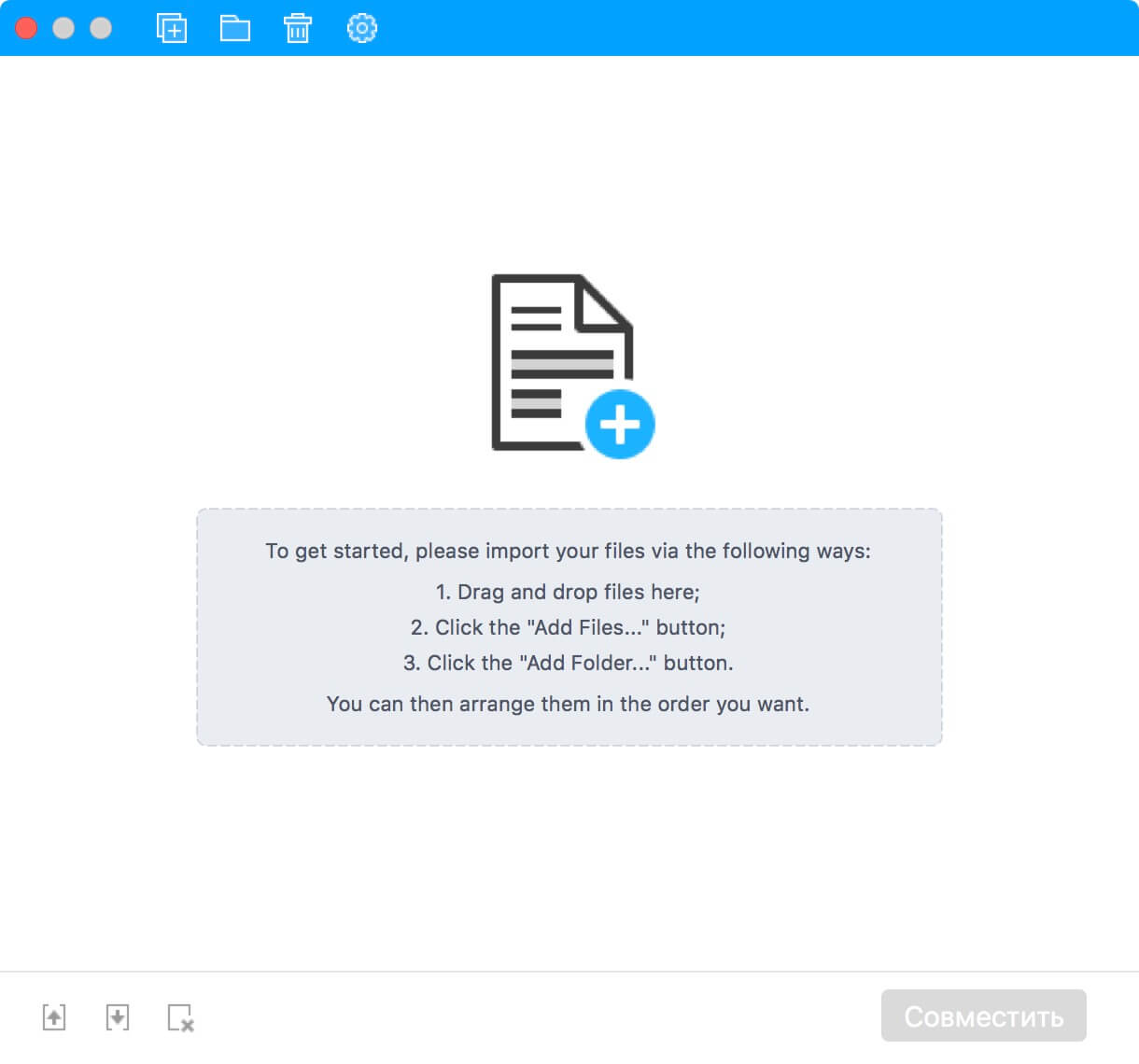
Well, combining several PDFs into one is a must have for everyone. For example, if you scan a contract on a single sheet, you can download all the files to the application and concentrate them into a single document when finished.
PDFelement is available for both Windows and OS X, and the last point is very important, since there are simply no normal tools for working with PDF on the Mac. The 14-day trial version allows you to familiarize yourself with the functionality of the application, which can then easily be used for personal and corporate purposes.
The article is based on materials .
Comments
Post a Comment