
Those who rationally determines their budget for communication or travel a lot, certainly know the service Zadarma. This is a VoIP client operating under the standard SIP protocol, which allows you to make calls to any numbers, connect a virtual phone number in dozens of countries around the world, create a kind of mobile office. However, this service is not limited to: you can, for example, configure a virtual PBX. Now with To use Zadarma it became even more convenient.
Zadarma will be truly appreciated by the managers of enterprises, because in fact the company's branches can be located all over the world, and clients will not even suspect about it. In addition, a ready-made virtual PBX allows to fully provide telephone communications for both small offices and large organizations.
Obviously, making calls using the application is much easier and more convenient, especially if it's made clear and tasteful. Install it once and be always connected as soon as the computer connects to the Network. The interface of Zadarma for Windows resembles that of a mobile phone, so everyone can understand it.
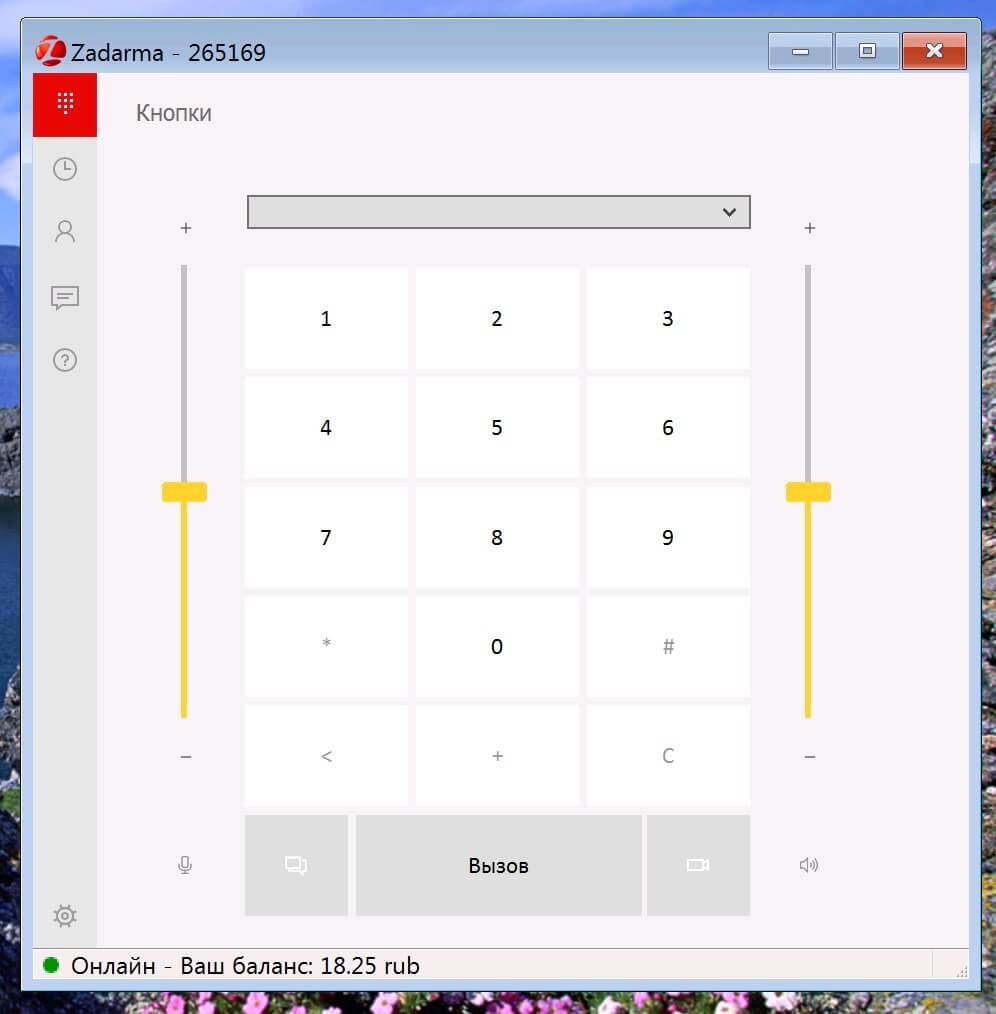
Installation of the application takes a few seconds, after which the system will ask permission for Zadarma to make Internet calls. You can safely give access, and then see two windows - "Buttons" and "Account." The data for the entrance can be obtained in the personal account (login and password). For new users, by the way, the service gives 20 rubles to the account for testing.
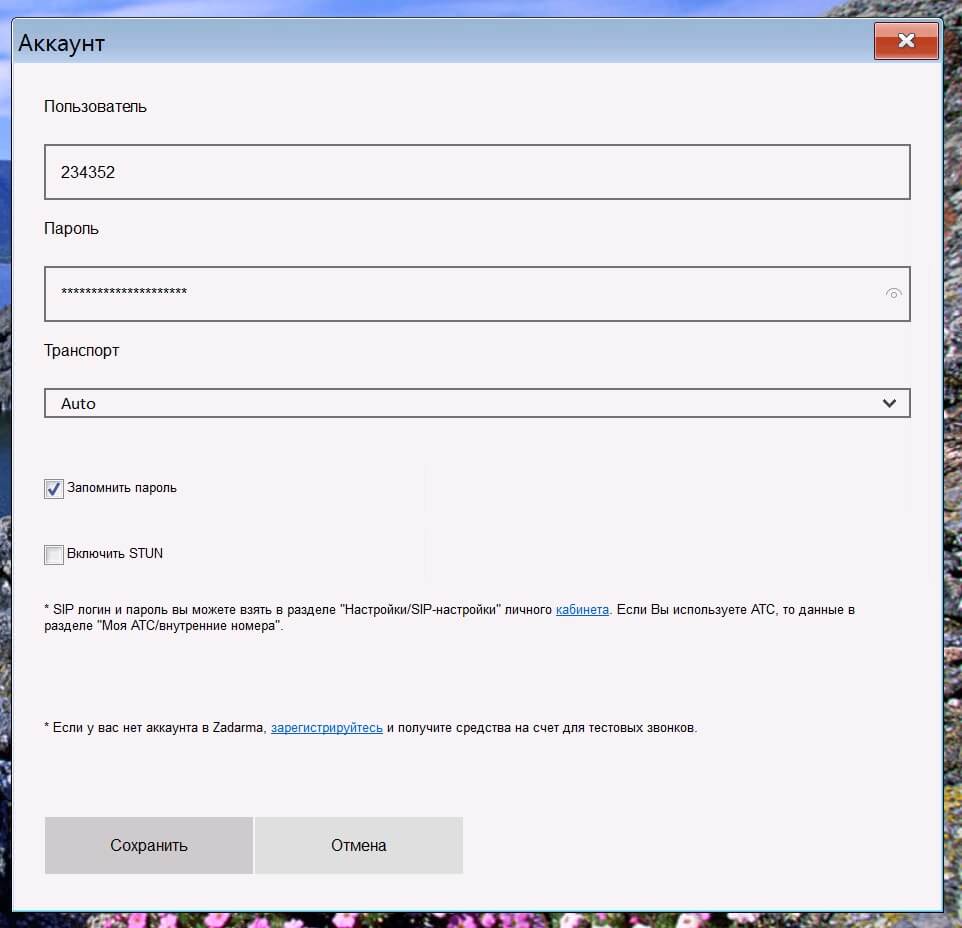
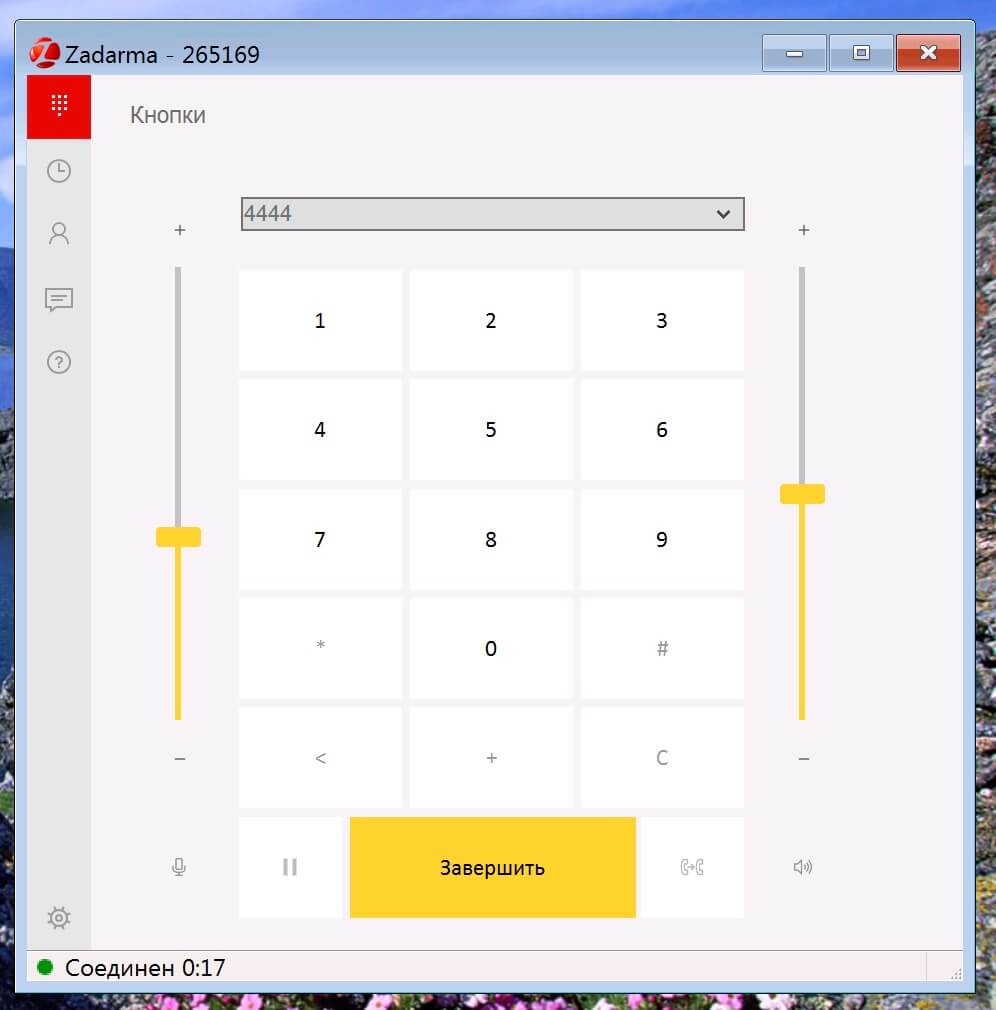
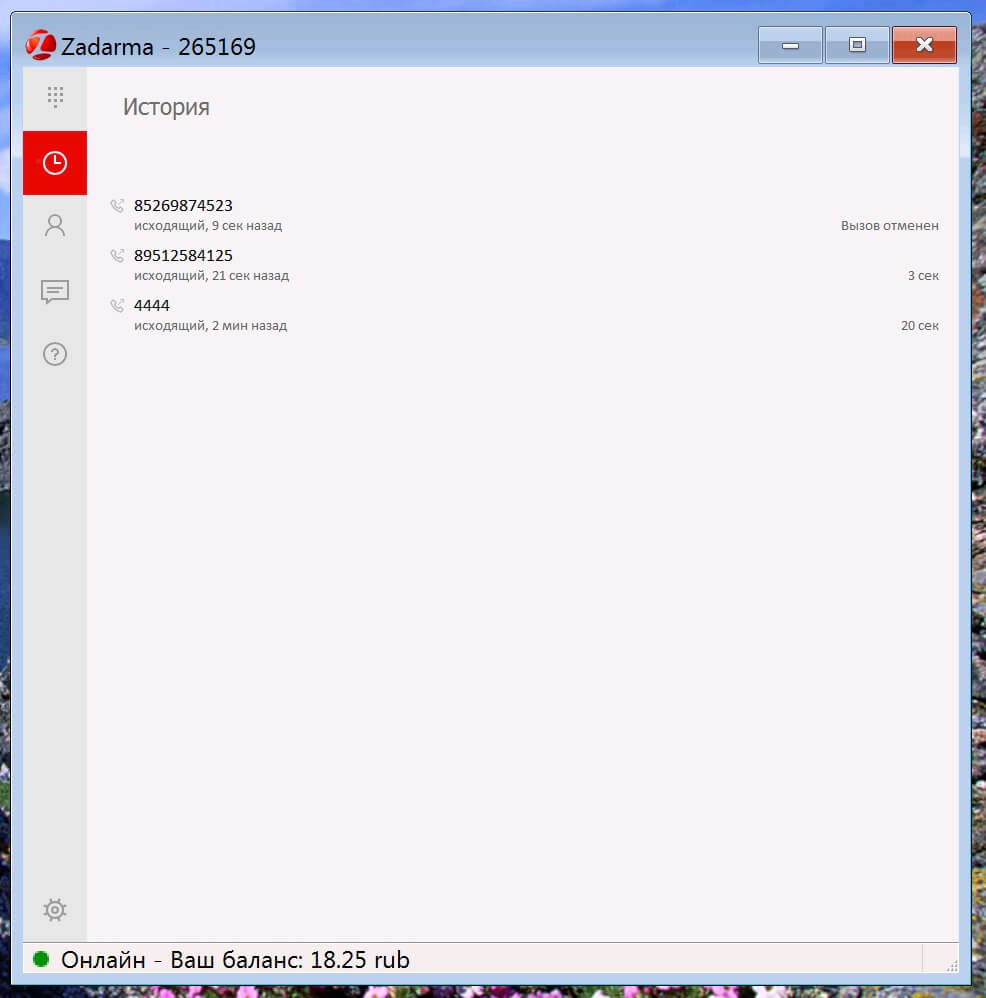
Actually, that's all! You can check the connection using an echo test, calling to number 4444 and pronouncing any phrase. In general, with Zadarma for Windows, you can forget about the standard ways of telephone communication: here and the phone book is, and the history of calls, round-the-clock support, the incoming call signal and much more.
It's also easy to connect to your Zadarma Virtual PBX - you just need to specify your internal number and password of the Virtual PBX in the fields "User" and "Password". This information is available in your account. Why the virtual PBX? First, you do not need to buy equipment and servers - everything is provided by Zadarma data centers. In addition, it is provided free of charge. And in fact it is the easiest way to organize a telephone connection for business, whether it be a customer support center or a network for company branches.
What else to say - Zadarma fully justifies its name. You get free technical support and service and pay only for communication, whether it's a small online store or a large organization. Prices are standard for ip-telephony, but there is a whole "bouquet" of buns as a gift. Try it yourself - , where you can also download the application.
The article is based on materials .
Comments
Post a Comment