
There are three main players on the current market of operating systems - Apple, Google and Microsoft as the catch-up. Ideologically, Apple and Microsoft’s mobile operating systems are similar. Of course, not outwardly, but ideologically both of them are closed and do not allow both users and developers to climb too deep. Android, in contrast to iOS and Windows Phone, stands alone in this regard, the user is always able to replace any standard application with another one that suits him more and has a greater functional load. Today we will talk about the UC Browser, a very powerful replacement for the standard Android smartphone browser.
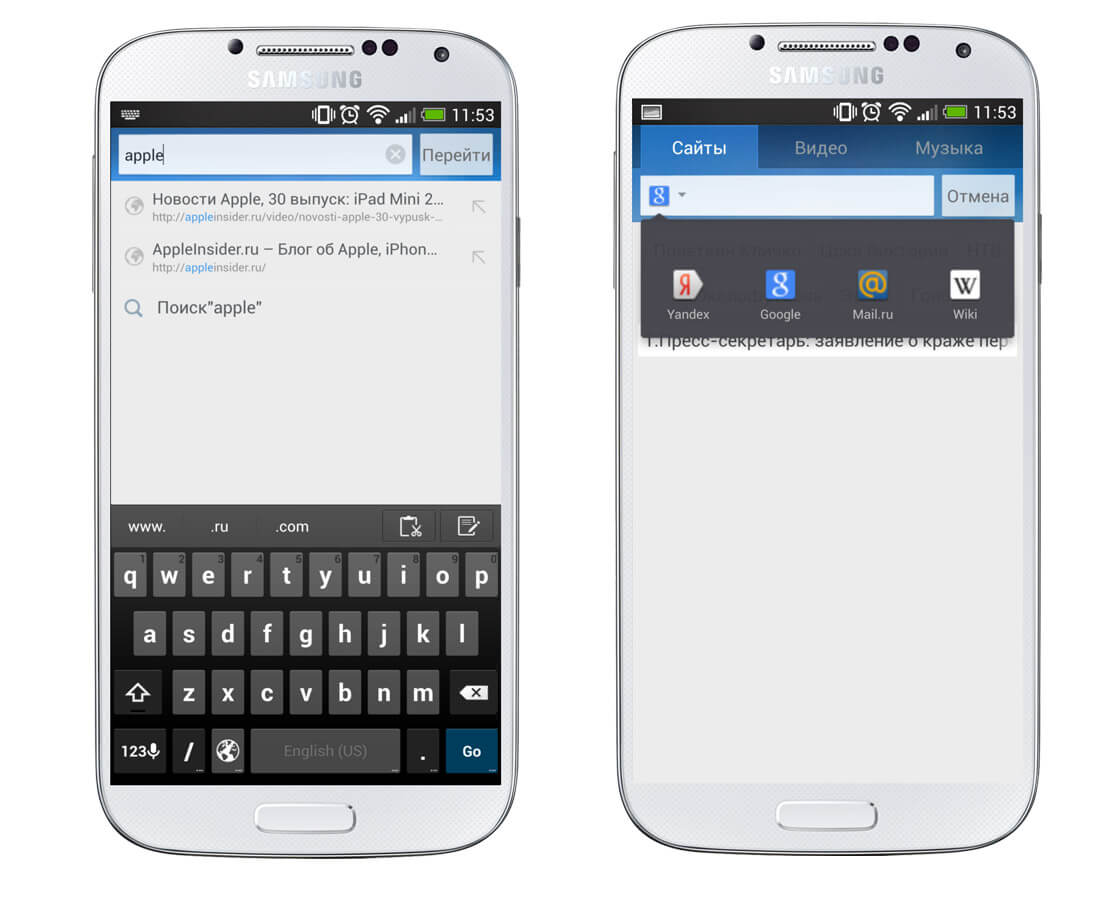
In general, you can define UC Browser with one single word - “combine”. In addition to the fact that the application is crammed with functions to the brim, the browser is also very friendly to the novice user. This is eloquently indicated by the start page, offering an impressive amount of resources from which the user can begin his journey on the web. In each category, the number of proposed resources is amazing, there is everything for every taste.

At the very top of this page is the entry string for the site address,
it can also be a quick search string. Naturally, if you don’t want to use Yandex, you can easily change a search engine to, say, Google or search Mail.ru. Or immediately in the "Wikipedia", which you can go for two minutes and stay for an hour and a half.
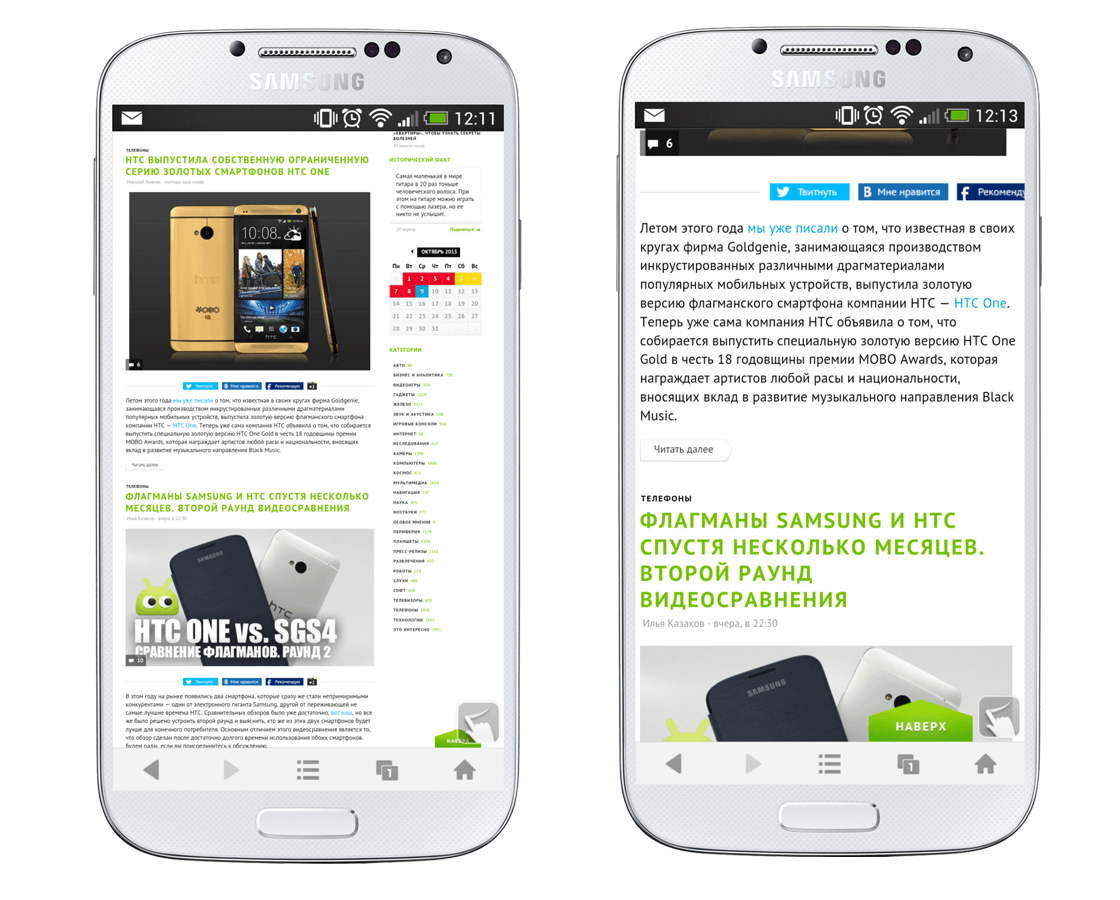
Undoubtedly, the first page of the browser is far from the most important in the application, although this element of the UC Browser definitely deserves attention. However, more important in evaluating the browser is how it handles everyday browsing on favorite sites, such as Hi-News.ru. Initially, the page is shown on a 100 percent scale, which is not always convenient if the site is not optimized for mobile devices. In this case, you can tap on the screen twice in order to zoom. At the same time, images and text blocks are adapted to the current size for easier reading. However, it is worth noting that in comparison with Chrome Beta for Android, scrolling in the UC Browser is less smooth.
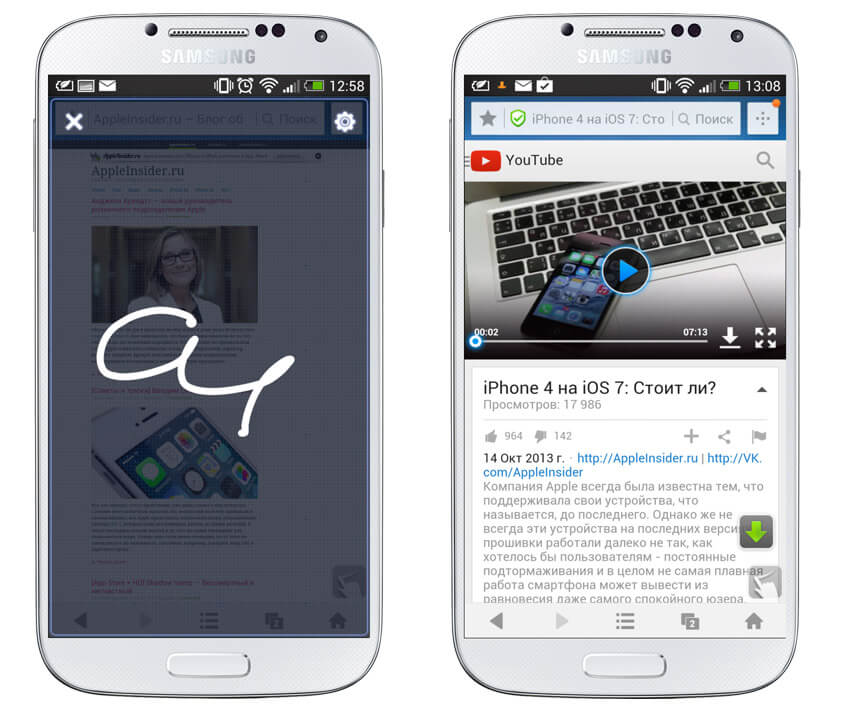
You also can not ignore the abundance of settings, which, to be honest, scared me a little - the browser allows you to configure almost everything that is possible. Starting from quick settings right on the web page and ending with advanced options, such as selecting a folder for downloading files or a client, which will be disguised as a browser. In addition, in the UC Browser, in the manner of browsers from older platforms, it is possible to install special extensions that can make using the application more enjoyable and productive. For example, you can install an extension for gestures and then use an elegant stroke to refresh the page or go to your favorite sites. An extension for creating QR codes or a video downloader is also a useful thing, it allows you to download videos from the social network VKontakte, YouTube and other sites.
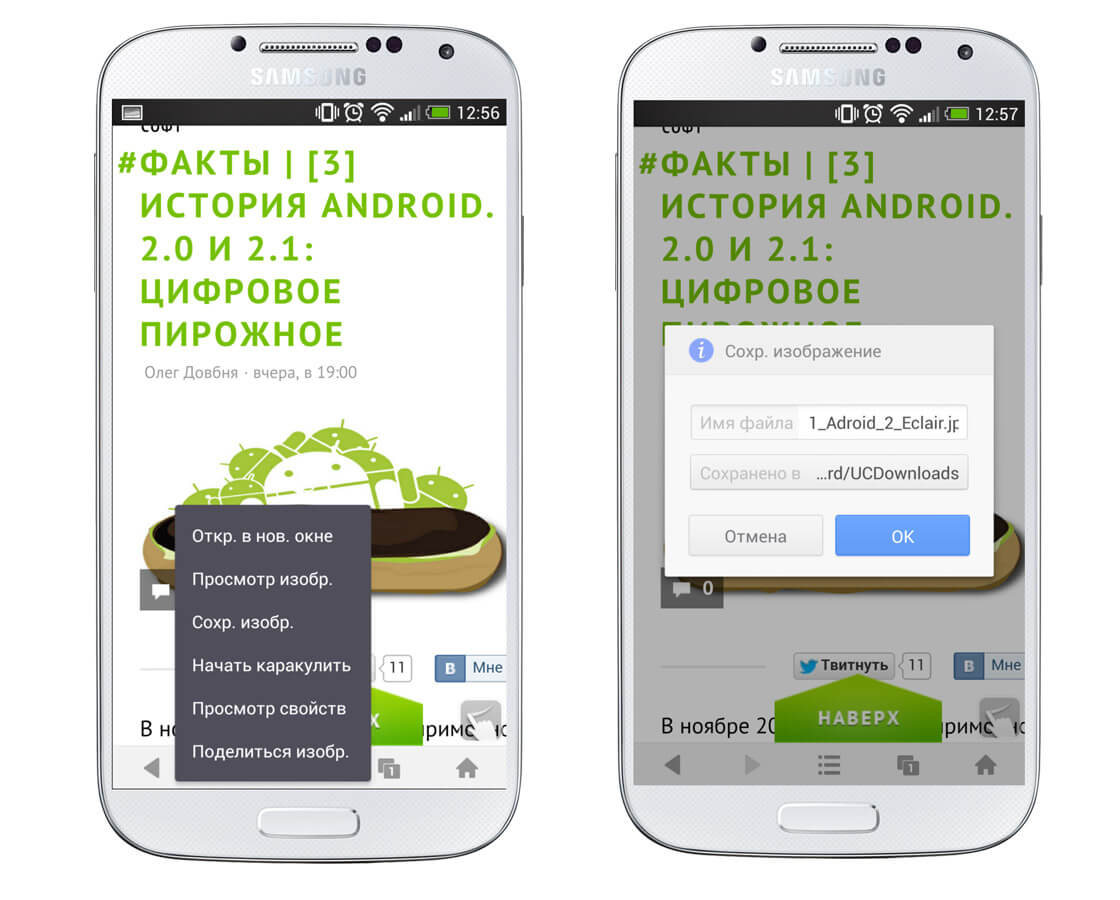
Since we raised the issue of downloading files from the Web, it is worth saying that UC Browser was frankly pleased with the possibility of resuming downloads in case something went wrong: the Wi-Fi network was lost, something happened to the Internet, but how many what problems may arise. In this regard, the UC Browser also shows itself to be a great fellow. It also works fine in the background - you can continue to explore the Internet without having to wait for a file to be saved in the device’s memory. Pay attention to the screenshots below, namely on the item “Start scribbling”. In addition to the funny name, this function carries some usefulness - here you can mark something on the saved image and then send it.
Of course, the application is not without cons. The most important, at least for the author of these lines, is the appearance of the application. It’s impossible to say that the UC Browser looks bad, but it still lacks a bit of sophistication. The rest of the browser is excellent and, most importantly, free. The flexibility of settings, the ability to download add-ons for the browser, fast loading and fairly convenient fit of the page scale are all the strengths of the application.

You can download UC Browser for your Android device from Google Play.
The article is based on materials .
Comments
Post a Comment